
Most landscape portfolios are photo dumps. The ones that convert visitors into consultations are built with intent — showing the right work to the right prospect.
A landscape contractor's website portfolio page is usually just a grid of photos. Click into it and you see a patio here, a lawn there, maybe some pavers, maybe a water feature. No context, no story, no connection to what the visitor is actually looking for. They leave without calling.
The portfolio pages that actually convert visitors into leads do something different. They make the work relatable to the person looking at it. They answer the unspoken question every prospect has: "Can they do what I need, for a property like mine, at a budget that makes sense?"
Show the Work You Want More Of
Your portfolio attracts what it shows. If you want to do more high-end hardscape — paver patios, outdoor kitchens, custom retaining walls — then those projects need to dominate your portfolio. If you keep showing basic lawn cleanup jobs, you'll keep getting calls for basic lawn cleanup.
This is a strategic edit, not a comprehensive archive. You're not trying to show everything you've ever done. You're trying to show your best work in the category of projects you want to grow. Start there and build outward.
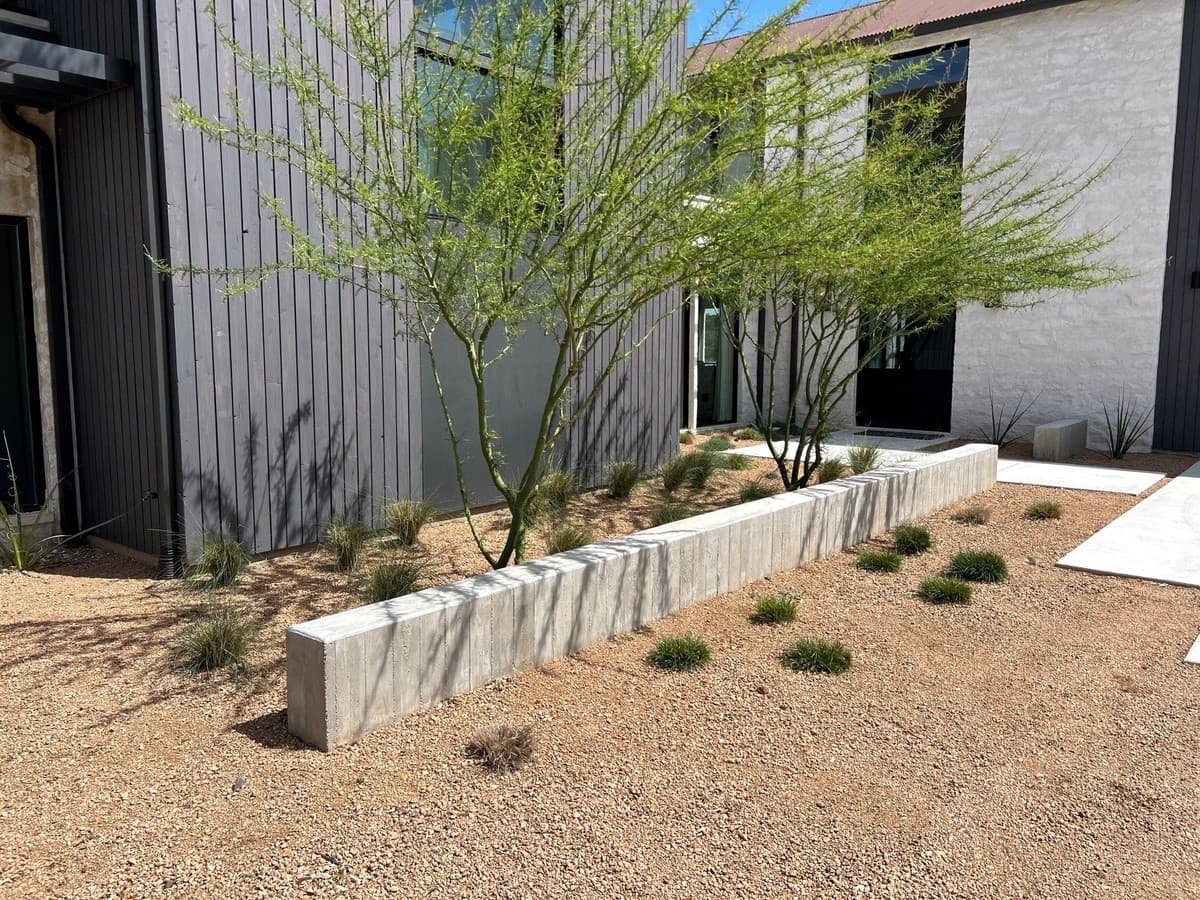
Structure Each Project as a Mini Case Study
Every portfolio entry should include five elements:
- The situation: What did the client start with? What problem were they trying to solve? ("Steep slope with erosion issues and unusable backyard space.")
- The solution: What did you install or build? What materials? What scope? ("650 sq ft flagstone patio, 3-tier retaining wall, built-in drainage system.")
- The result: What does the client have now? ("Fully usable outdoor living area with zero erosion going into year two.")
- Photos: Before, during, and after. Three to six shots per project minimum.
- Optional client quote: Even one sentence from the client adds significant credibility.
"I started writing two-paragraph project descriptions for each entry. Within a month, prospects were calling and saying 'I saw the job on your website that looked exactly like what I need.' That never happened when it was just photos."
Organize by Service Category, Not by Date
Chronological portfolios frustrate visitors. They're looking for a specific type of work, not a timeline of your career. Organize your portfolio by service category:
- Paver Patios & Walkways
- Retaining Walls
- Outdoor Kitchens & Fire Features
- Drainage Solutions
- Landscape Design & Planting
- Irrigation Systems
A prospect who wants a retaining wall can go directly to that section and see five examples of your best retaining wall work. They self-qualify and call you with confidence.
Put the CTA Inside the Portfolio
Most portfolio pages have no call to action. Visitors look at photos, feel inspired, and then have to go find the contact page on their own. Many don't bother.
After every 3 to 4 portfolio entries, place a simple CTA block: "Ready to talk about your project? Book a free consultation." Link it to your booking page or phone number. Catch the visitor at the moment of peak inspiration — when they've just seen the project that looks exactly like what they want.
SEO Value: Name Your Photos and Pages Right
Every portfolio entry is a potential Google search result. Name your image files descriptively before uploading: "travertine-patio-installation-austin-tx.jpg" instead of "DSC_0491.jpg." Write alt text for every photo. Give each project page or section a URL that includes the service type and location.
Google Images drives real traffic for visual trades. A prospect searching "paver patio ideas Austin" who finds your portfolio photo is already pre-sold on the style — they just need to know who installed it.
Your portfolio attracts leads. Ledge closes them.
Track every inbound inquiry, follow up automatically, and send proposals 3× faster — all in one place built for landscape contractors.
FAQ
How many portfolio projects do I need before launching?
Start with 5 to 8 strong projects with clear before/after photos and a short description. A smaller, well-curated portfolio outperforms a large gallery of undescribed photos. Add projects monthly as you complete new work.
Should I include project costs in my portfolio?
Price ranges are helpful if you want to pre-qualify prospects. "Projects like this typically run $18,000–$26,000 depending on materials" sets expectations and filters out clients who can't afford your work. Exact prices are less useful since every project differs.
Do I need professional photography?
Professional photos are better, but they're not required to get started. A modern smartphone, good natural light, and a steady hand produce photos that work well on most websites. Shoot in landscape orientation, avoid harsh midday sun, and take the time to frame the shot cleanly.
Can I use client photos they took themselves?
Yes, with their permission. Ask clients if they're willing to share photos they've taken since project completion. Clients often photograph their finished spaces in ways that look authentic and lived-in, which can be more persuasive than staged contractor photos.
Edgar Galindo
Co-founder, Ledge
Edgar built Ledge while running a landscape construction company in Central Texas. He writes about lead generation, client retention, and building a landscape brand that commands premium pricing.