A single great before-and-after photo, shared in the right places, can generate more qualified leads than a week of paid ads. Most contractors take mediocre ones by accident.
You've done hundreds of jobs. You have photos on your phone. But when you look at them, they're a mix of blurry site shots, random progress photos, and maybe one decent after photo taken in bad light from an awkward angle. That content isn't going to stop anyone mid-scroll. It definitely isn't going to make someone pick up the phone.
The good news is that great before-and-after content doesn't require a camera crew. It requires a process. Here's the one that works.
The Before Photo: Don't Wait Until the Job Starts
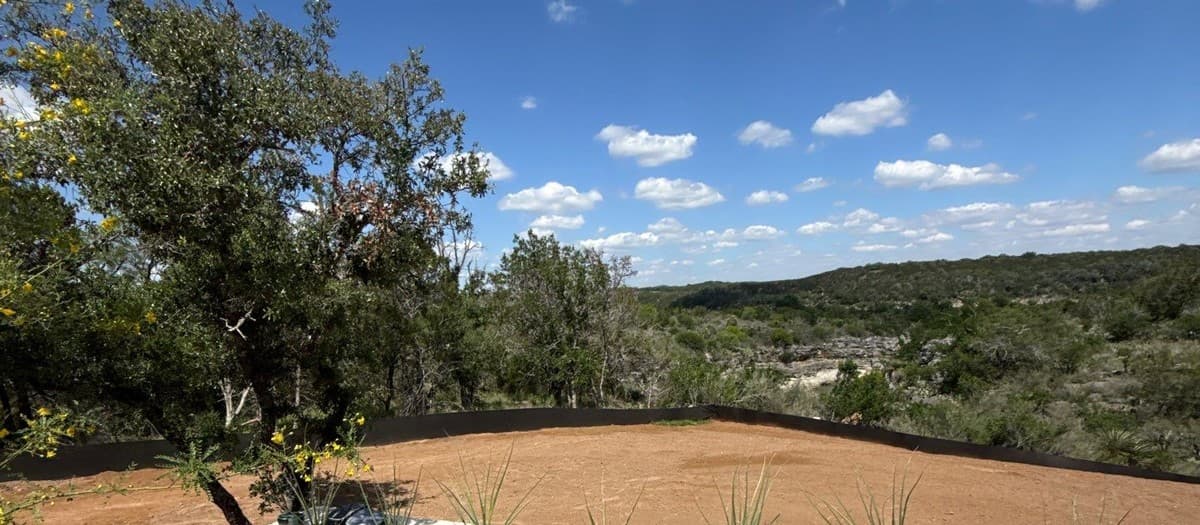
Most contractors forget to take the before photo. They show up, start laying equipment, and don't think about it until the area is already disturbed. Take your before photo on your site assessment visit, not on install day.
Shoot from the same angle and roughly the same height you'll use for the after photo. Wide enough to show the full scope of the space. Good light — morning or late afternoon if you can. A before photo taken in flat midday light and then an after photo taken in golden hour light makes the transformation look artificially dramatic. Keep conditions consistent so the work speaks for itself.
The After Photo: How to Shoot It Right
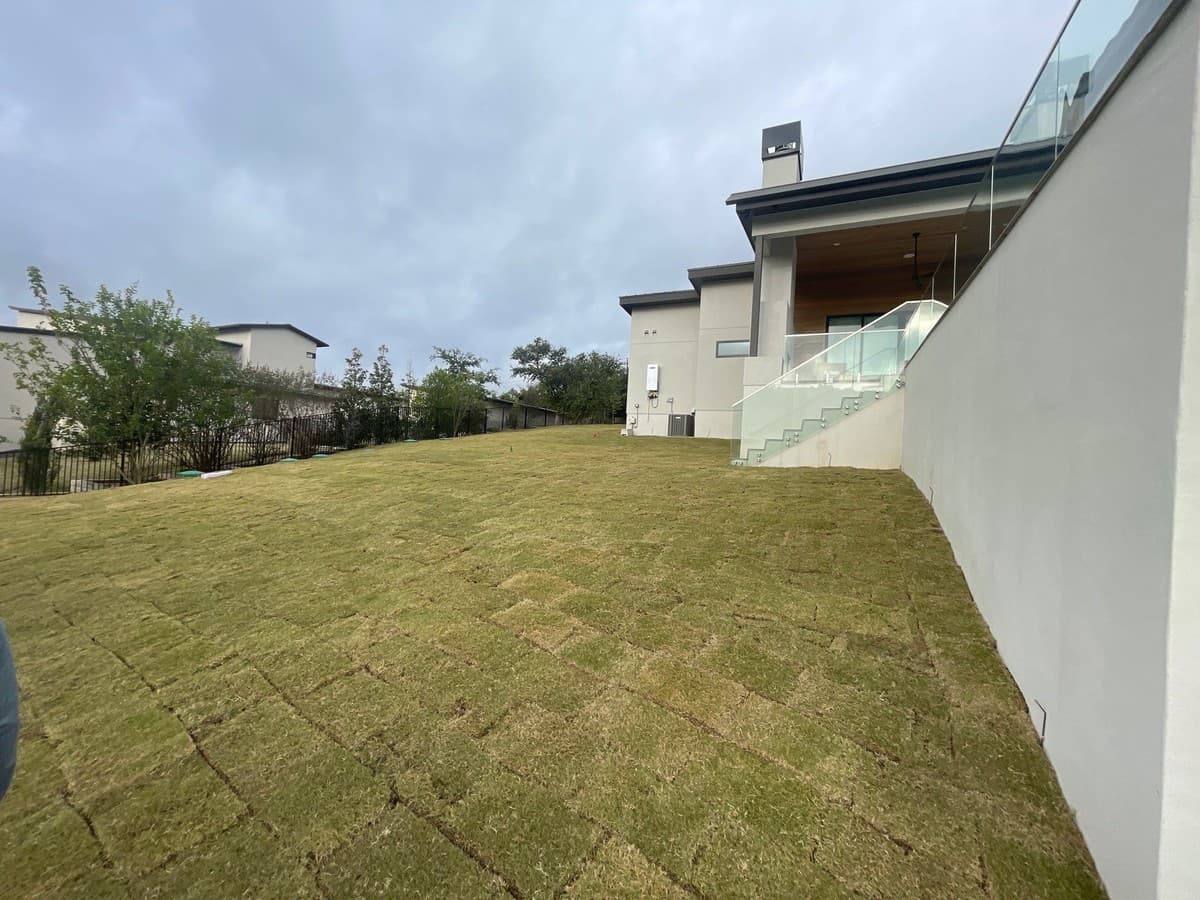
Shoot your after photos at the end of the last day before you pack up completely. The site is clean. Equipment is off-frame. Everything is fresh. Wait for late afternoon light if the project wraps mid-afternoon.
Get three types of shots:
- Wide establishing shot: Shows the full scope of the project in context of the yard.
- Detail shots: Close-up of the craftsmanship — joint lines, texture, edge work. These establish quality.
- Lifestyle shot: Capture the space as it would be used — chairs set up on the patio, a grill in place. This makes the emotional connection visceral.
"We added one lifestyle shot to our Instagram posts — just patio furniture placed on the finished paver area — and our saves and DMs about pricing doubled within two weeks."
Write a Caption That Does Work
The photo gets attention. The caption earns the call. A strong caption for landscape content follows this structure:
- Line 1 — The problem: "This backyard had a 4-ft slope with nothing to stop erosion and no usable outdoor space."
- Line 2 — The solution: "We installed a 3-tier retaining wall and 480 sq ft of travertine patio over two weeks."
- Line 3 — The result: "Now they have a fully usable yard with a space that's held up through two rainy seasons without moving an inch."
- CTA: "Want something like this for your yard? Link in bio to book a free site visit. [City] and surrounding areas."
On Google Business Profile, keep captions shorter — two to three sentences with a location reference. On Instagram, longer is fine if the story is genuinely interesting.
Where to Post Each Photo
One before-and-after set should be distributed across multiple channels. Each placement serves a different audience:
- Google Business Profile: Post as an update with a two-sentence caption. Improves local search ranking. Best for high-conversion prospects already searching for your service.
- Instagram: Carousel post with before on slide 1, progress on slides 2-3, after on slides 4-5. Strong for saves, shares, and DM inquiries.
- Facebook: Post in your business page and in local home improvement or neighborhood Facebook groups when permitted. Facebook drives referral-quality traffic in residential markets.
- Website portfolio: Add to the relevant service category with full project context.
- Nextdoor: Underused by most contractors. Neighbors asking for recommendations are high-intent prospects.
Build the Habit, Not the One-Time Post
The contractors who generate real business from before-and-after content do it consistently. Every job. Every week. It becomes part of the job close process: take the photos, caption them on the drive back, post them that evening or the next morning.
If you're running a crew, assign the after photo responsibility to your foreman. Give them a checklist: wide shot, detail shot, lifestyle shot, straight-on from the same angle as the before. Three photos per job minimum. It takes four minutes.
Get the leads. Close them with Ledge.
Ledge helps you track every inbound inquiry, follow up fast, and send proposals before your competitor picks up the phone. Contractors using Ledge close 64% of their bids on average.
FAQ
Do I need the client's permission to post their property?
Best practice is to ask. Most clients are happy for their project to be featured — especially if it looks great. A quick text at closeout saying "Would you mind if we shared some photos of your project online?" is all it takes. Some contracts include a photo release clause.
What if my before photo is bad because I forgot to take one at the assessment?
Ask the client if they have any photos of their yard before you started. Many clients have photos from when they were considering the project or from an earlier time. An imperfect before is better than no comparison at all.
Should I watermark my photos?
A subtle logo watermark in the corner is reasonable for Instagram and Facebook since photos get shared. On your website and Google Business Profile, watermarks aren't necessary and can make photos look cluttered. Keep them small and unobtrusive if you use them.
How often should I post before-and-after content?
Three times per week is the target for Instagram and Facebook. Google Business Profile once a week is sufficient. If you're running multiple jobs simultaneously, you have more than enough content — the bottleneck is usually building the habit of capturing it consistently.
Edgar Galindo
Co-founder, Ledge
Edgar built Ledge while running a landscape construction company in Central Texas. He writes about lead generation, client retention, and building a landscape brand that commands premium pricing.