Build and Track
The camera that puts photos where they belong.
Field crews take before/during/after photos on their phone, tag them, and they appear instantly on the right project in the web app — tagged, geolocated, and attributable.
Book a Demo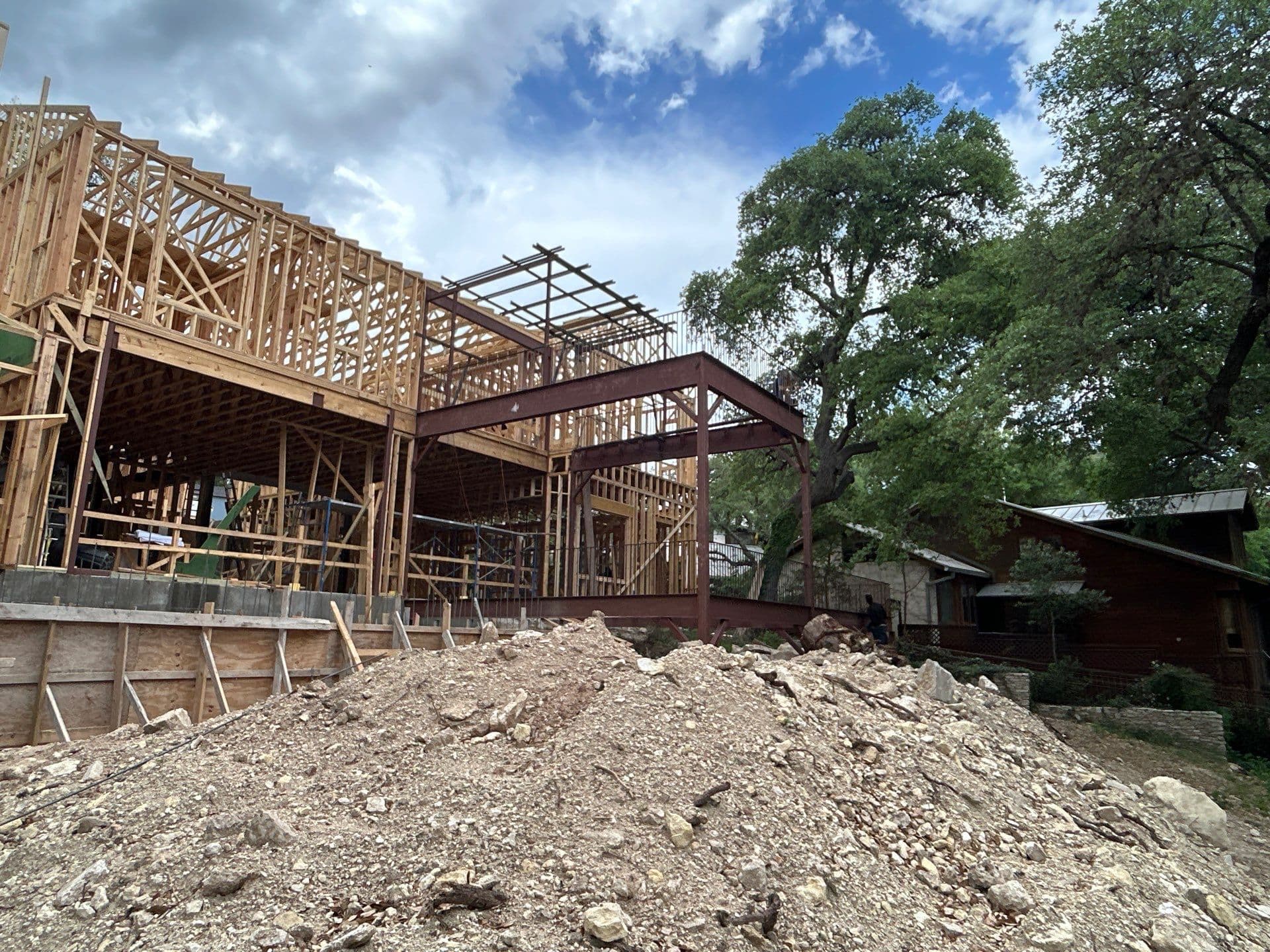
Before — Demo
Apr 10
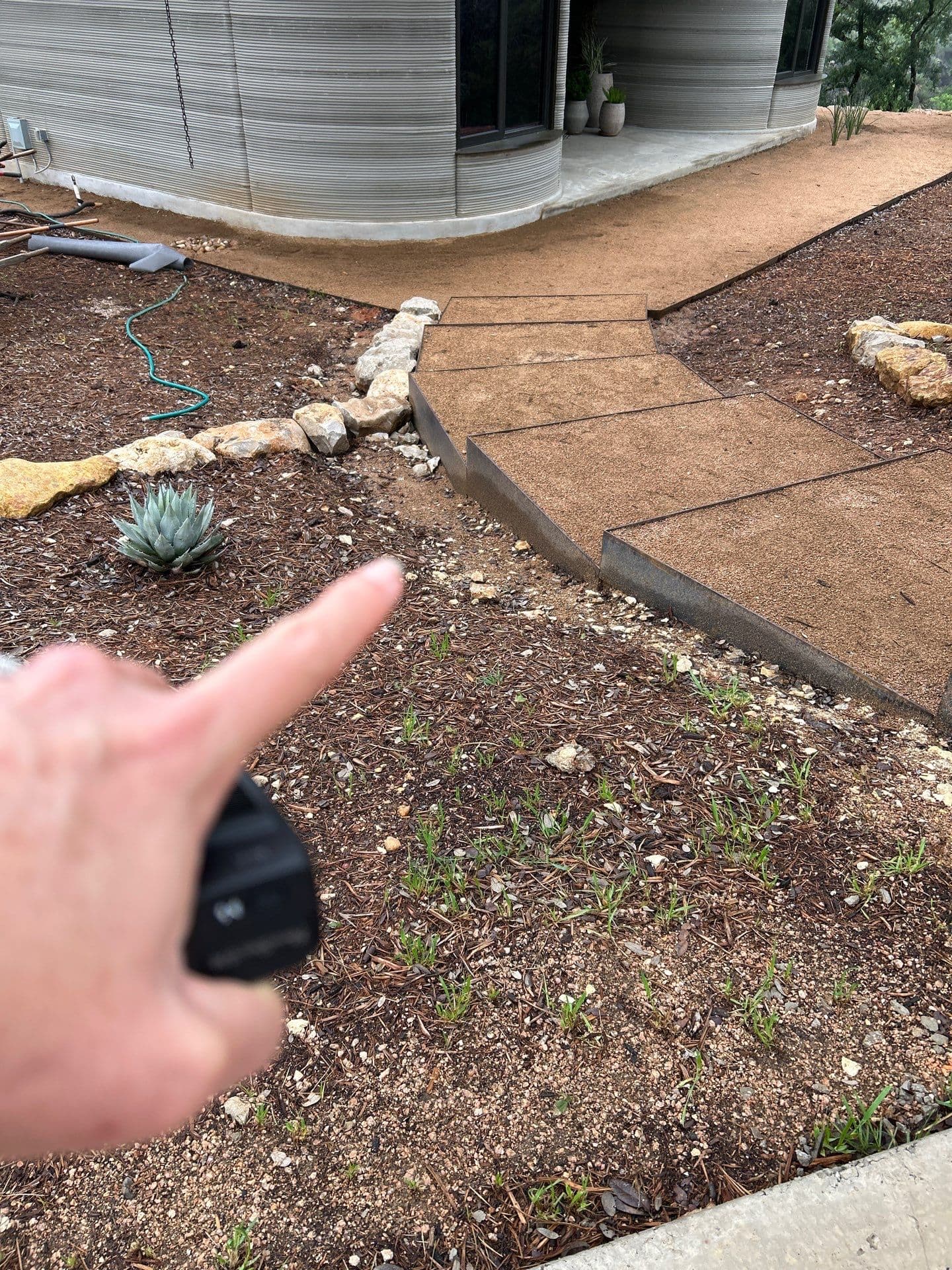
Base Compacted
Apr 11
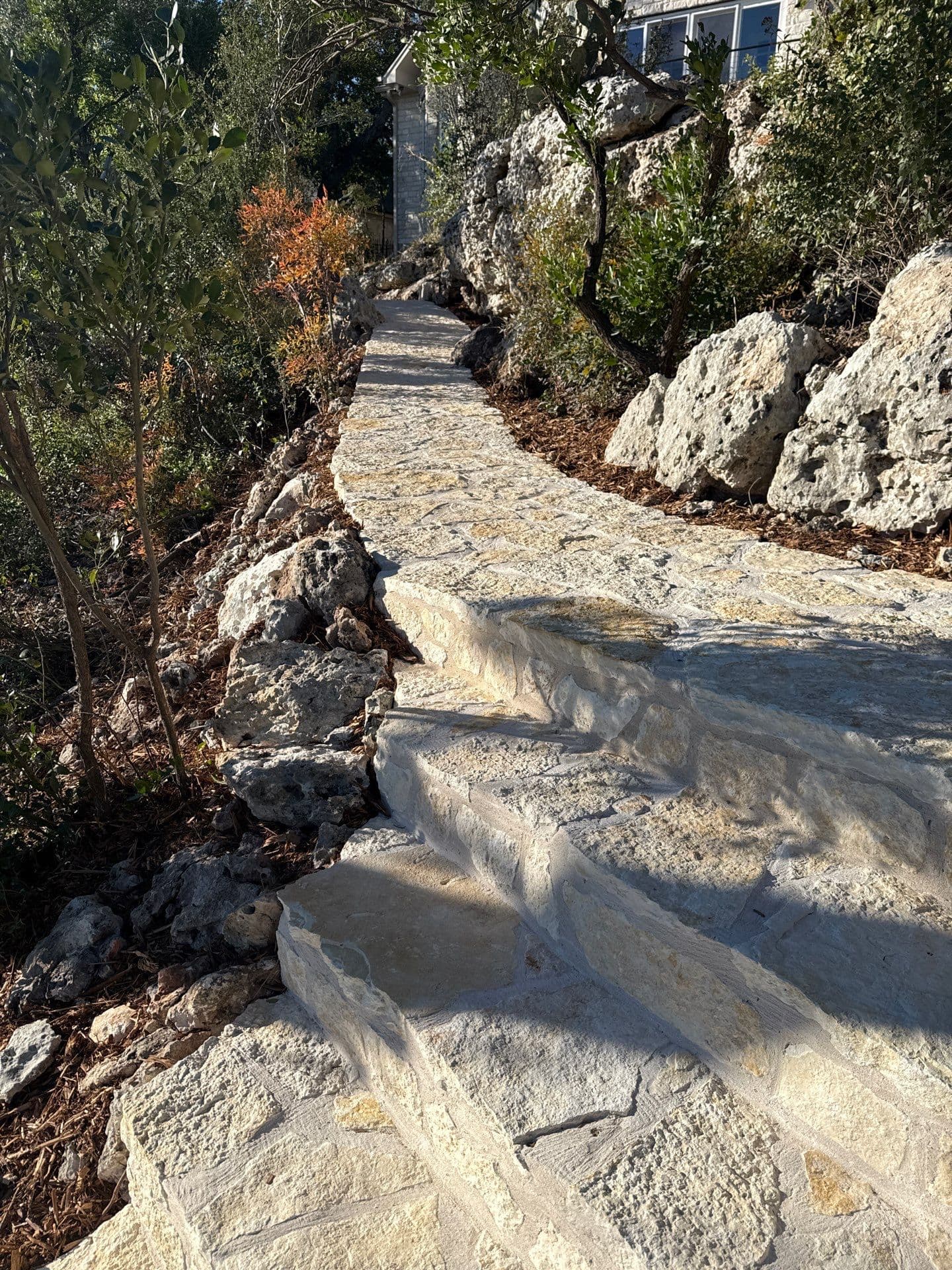
Flagstone Layout
Apr 12
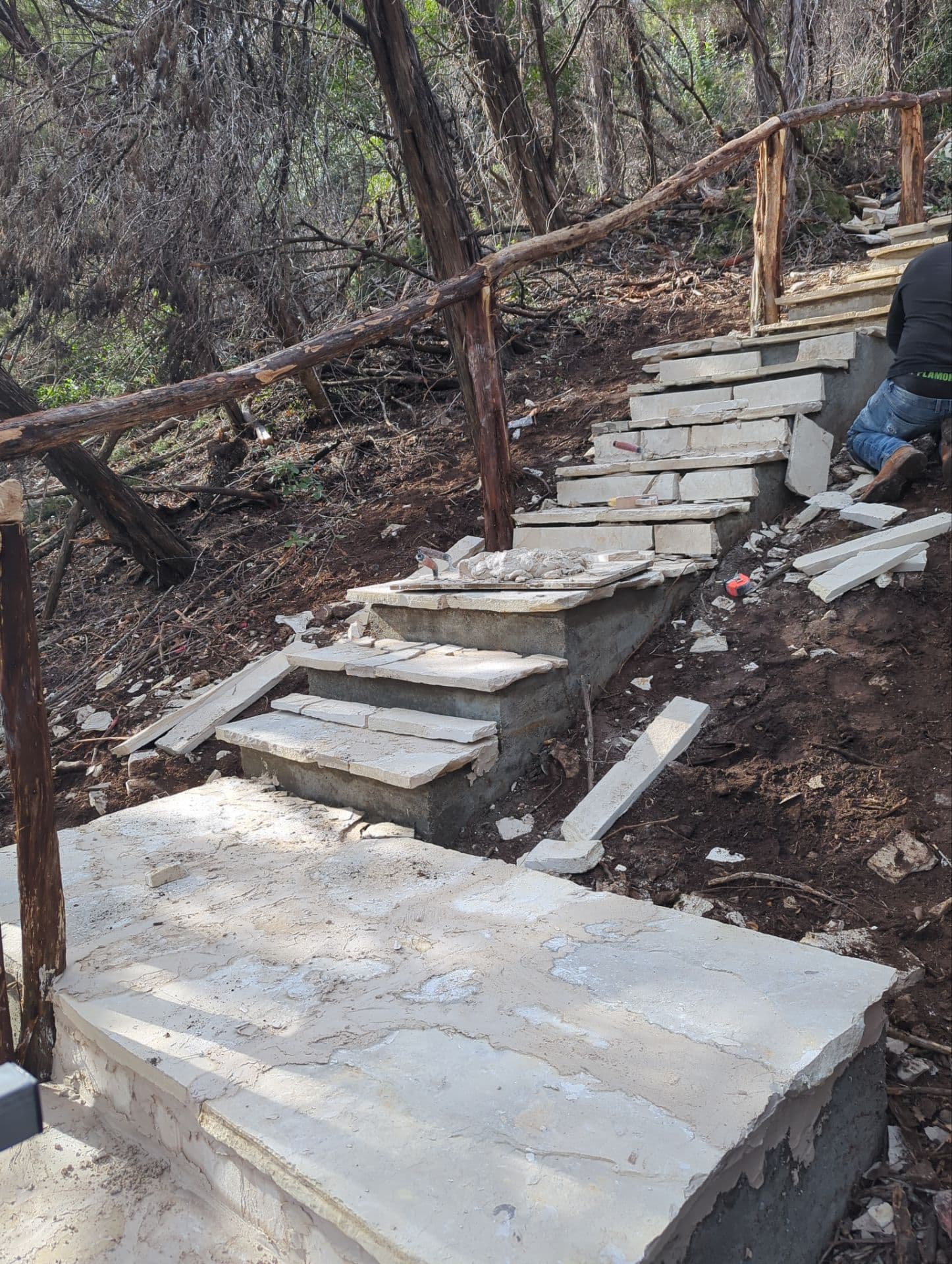
Progress
Apr 13

Wall Detail
Apr 13
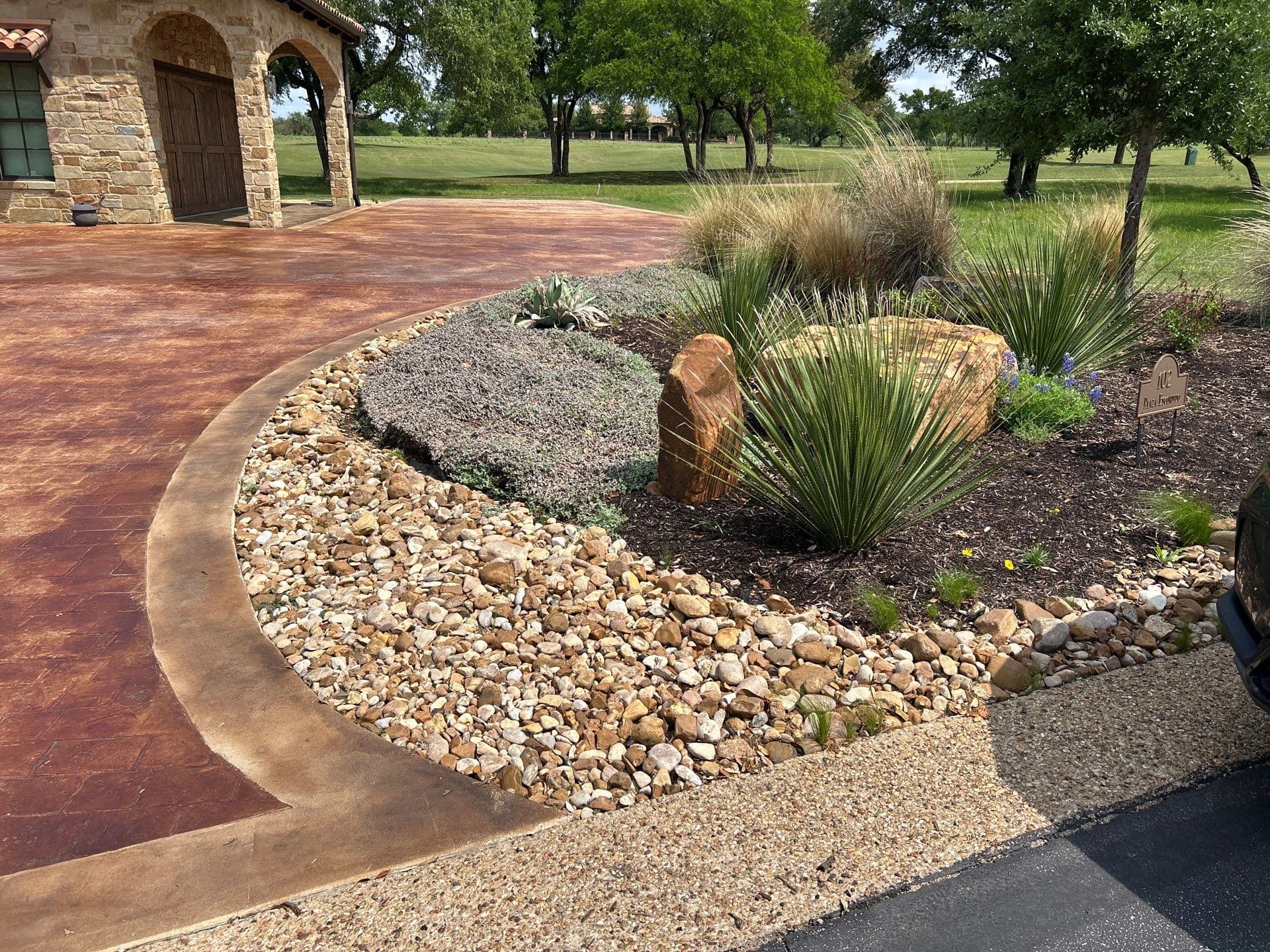
Final Install
Apr 14
What it does
One-tap capture to the project
Every photo is tagged with project, crew member, timestamp, and GPS automatically — no manual filing, no hunting through camera rolls.
Built-in markup tools
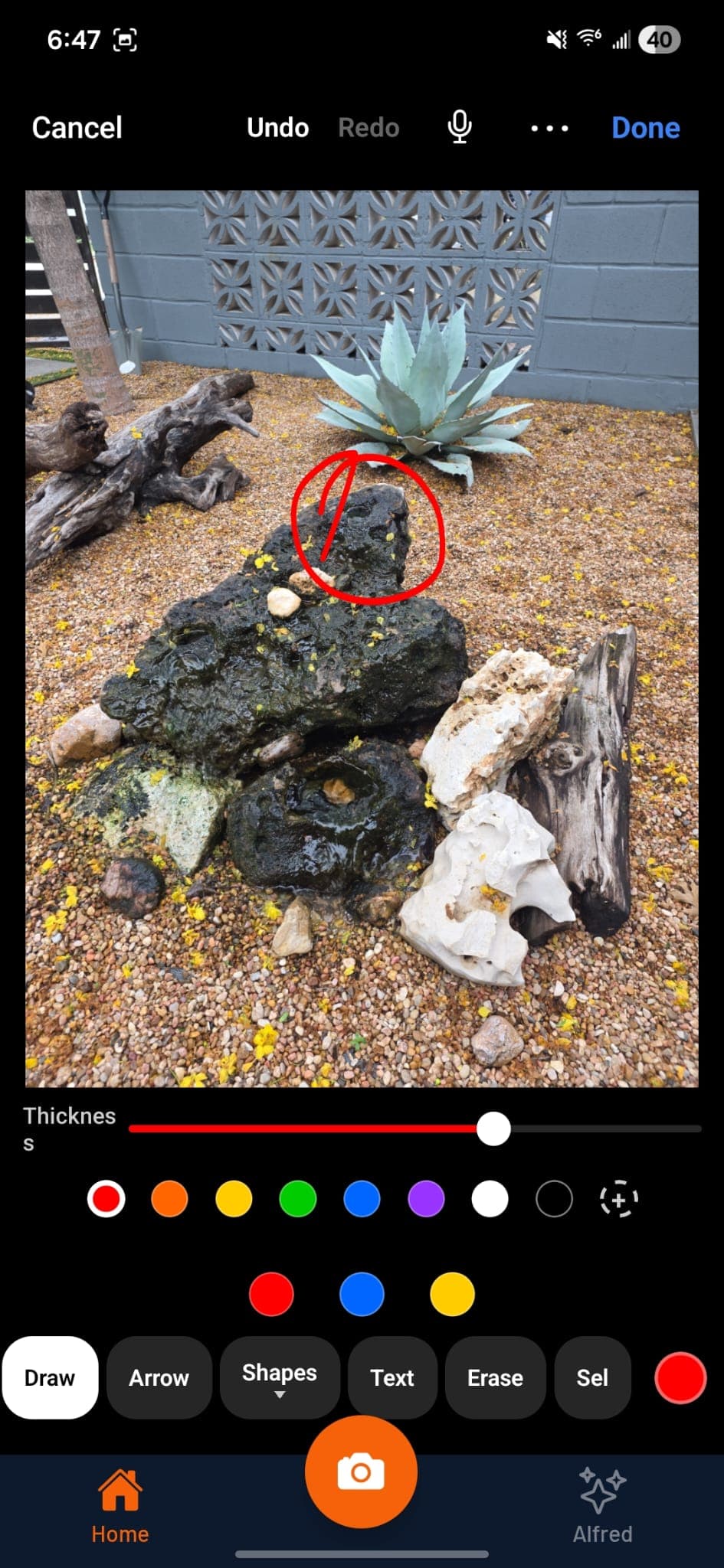
Freehand, lines, arrows, rectangles, circles, and text annotations — so a site super can mark a drainage issue or punchlist location without leaving the app.
Company-defined tag system
Hardscape, softscape, before, after, issue, punchlist — apply tags in one tap for fast filtering across hundreds of photos later.
How it works
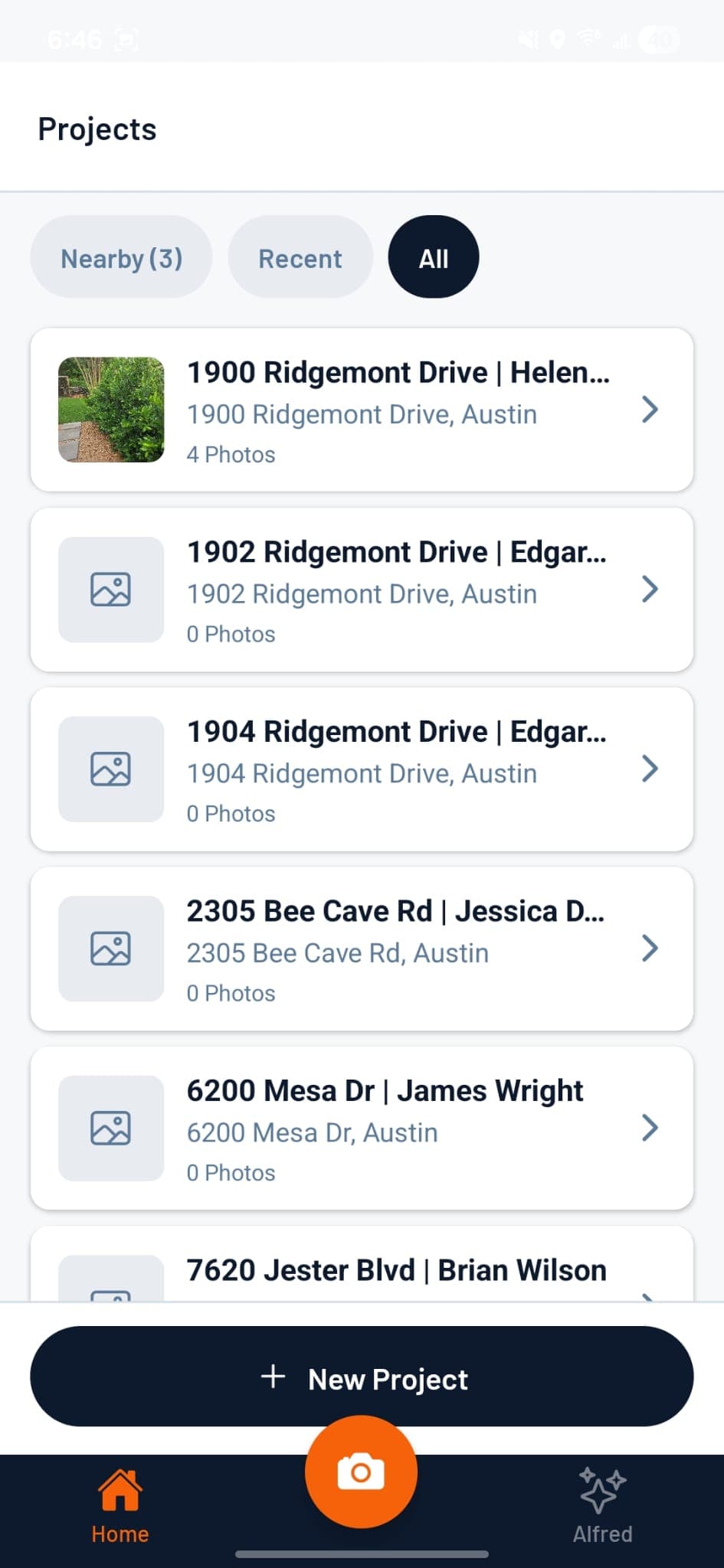
Open LedgeCam and select the job
Crew opens the app, picks their assigned project, and starts shooting. Only their jobs appear — no clutter.
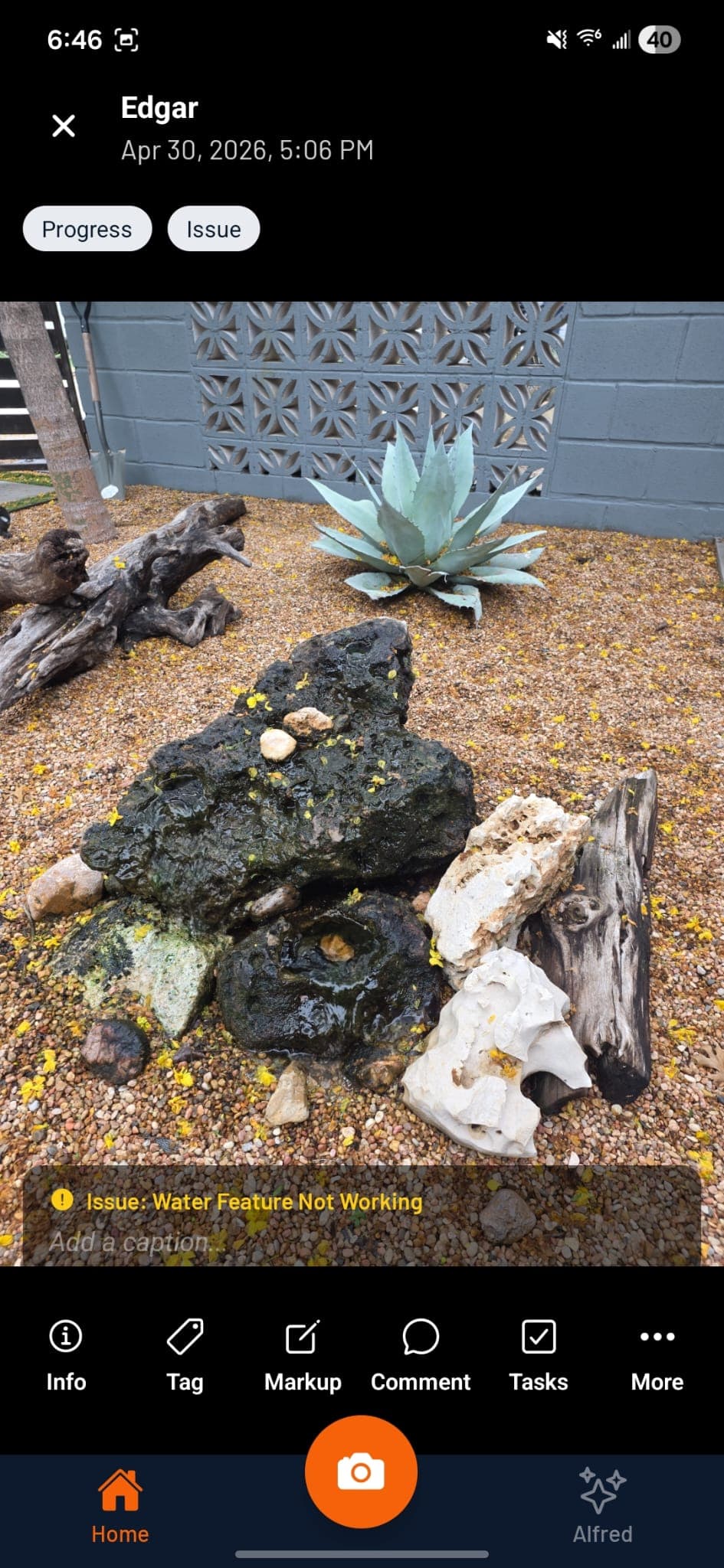
Shoot and tag
Take the photo. Apply a company-defined tag in one tap. LedgeCam adds project, crew, timestamp, and GPS in the background.
Annotate if needed
Draw freehand, add arrows, circle a problem area, drop a text label — all without leaving the app.
Photos appear in the web app
Every photo lands in the project gallery instantly, visible to the PM and back office in real time. No "send me those photos" texts.

“Replaced HubSpot and Jobber in one shot. Cut $400/mo in subscriptions.”
Marcus D.
Hardscape contractor, Austin TX
Related features
Project Management →
Track every active job from punch list to punch out.
Design Presentations →
Turn job photos into polished client presentations.
Scheduling →
Assign crews to jobs and prevent conflicts before they happen.
From the blog
Complete Guide to Paver Patio Installation: Prep, Base, Setting, Jointing
A paver patio that lasts 20 years starts with the base, not the pavers. Here is the full installation sequence from excavation to polymeric sand.
Read →LandscapingHow Deep Should a Paver Base Be? The Real Answer by Soil and Load
Paver base depth depends on soil type and traffic load, not a standard answer. Here is the table that covers every scenario.
Read →LandscapingPaver Pattern Guide: Running Bond, Herringbone, Basketweave — Which Holds Up?
Pattern choice affects structural performance, not just aesthetics. Here is the real comparison including cut waste and interlock strength.
Read →