
Landscape plans look complicated until you know what each element means. Here is the practical guide crew leads actually need — focused on the information that affects installation decisions, not on design theory.
A crew lead who can read a landscape plan independently is worth more than one who cannot — full stop. When your lead can pull the plan, verify dimensions, confirm material locations, and catch errors before work starts, you eliminate a whole category of callbacks and correction costs. When they cannot, they are calling you for every question that was already answered on paper.
Most crew leads learn to read plans informally, through exposure and osmosis. That works slowly and leaves gaps. Here is the practical version — what the plan actually shows, how to use it to direct a crew, and what to do when the plan and the site do not match.
Start with the Title Block and Scale
Before looking at anything else on a landscape plan, find the title block — usually in the lower right corner — and the scale indicator. The title block tells you what version of the plan you are holding (make sure it is the latest revision), which project it is for, and who drew it. The scale tells you what distances on paper represent in the real world.
Common landscape plan scales: 1 inch = 10 feet, 1 inch = 20 feet, 1 inch = 30 feet. If the scale is 1" = 10', then a 2-inch measurement on the plan represents 20 feet on the ground. Use a scale ruler or do the math — do not eyeball it. One inch difference on paper can mean 10 or 20 feet of error in the field.
Reading the Plan Layers: What Each Element Means
- Hardscape elements (patio, walls, walkways): Usually shown as filled or hatched areas with dimensions labeled. The hatch pattern often indicates material type. Numbers around the perimeter give you the dimensions to lay out.
- Planting symbols: Circles of varying sizes represent plants. The size of the circle usually represents the mature spread, not the installed size. A number or letter code inside or next to each circle refers to the plant schedule, which lists common name, botanical name, size at installation, and quantity.
- Contour lines (grading plan): Lines connecting points of equal elevation. Lines close together mean a steep slope; lines far apart mean a gradual grade. On a grading plan, you are looking for the finished grade versus existing grade to understand where fill comes in and where cuts happen.
- Drainage indicators: Arrows showing water flow direction, drain locations, and catch basin positions. These elements drive where you cannot place impermeable surfaces without redirecting drainage.
- Detail callouts: Small circles with numbers or letters that reference detail sheets. If a section of the plan shows "see detail 3/L2," that means go to sheet L2, detail 3, to get the construction specifics for that element — base depth, edge condition, step height, etc.
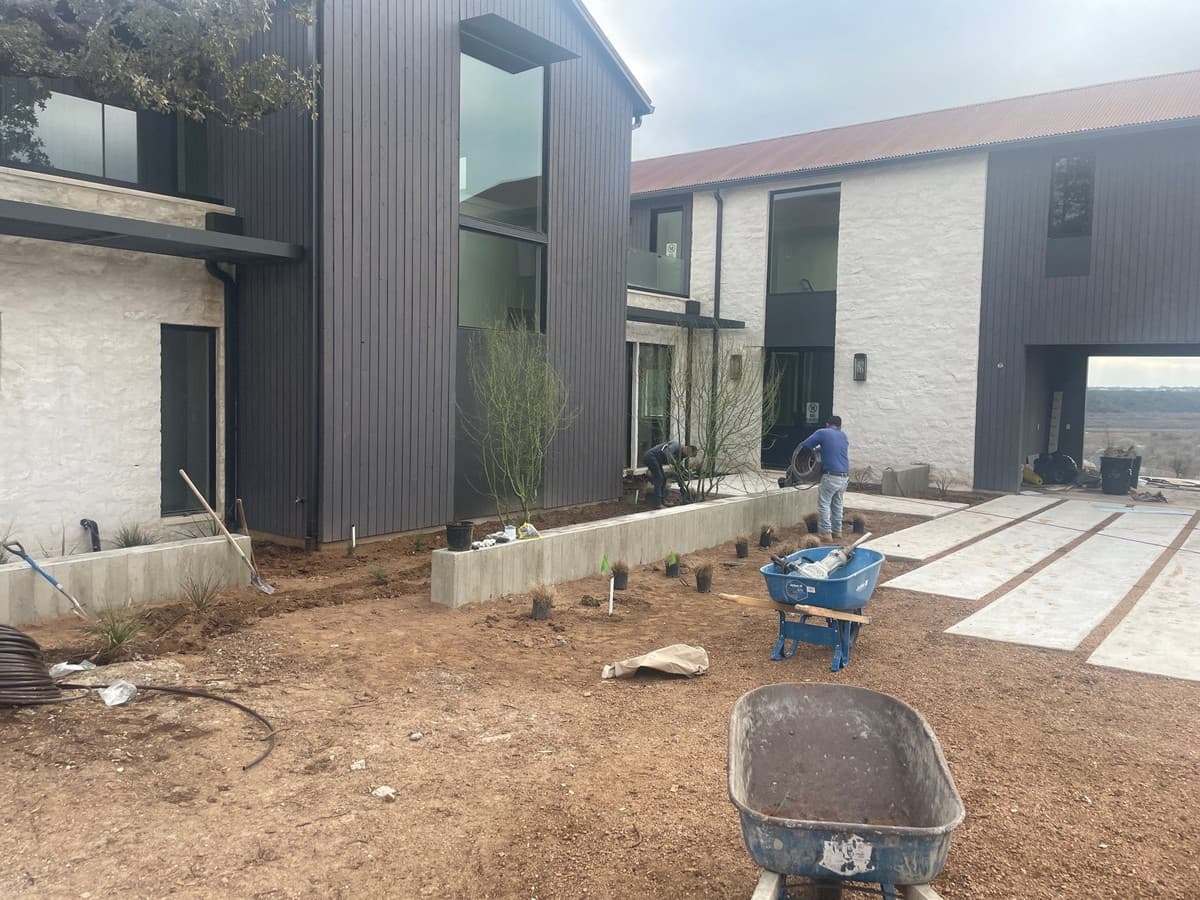
Using the Plan to Set Layout on Site
A plan is a bird's-eye view. Translating it to the ground requires finding reference points that exist both on the plan and in the real world. Common reference points: the corner of the house, a property line stake, or a specific fence post. Once you establish two reference points from the plan on the actual site, you can use dimensions from the plan to locate everything else.
For a patio layout: measure from the house corner the distance shown on the plan. Mark that point. Measure from a second reference point to confirm. Then use the plan dimensions to establish the patio perimeter. Check your corners for square using the 3-4-5 rule before starting any excavation: a triangle with legs of 3 and 4 feet will have a hypotenuse of exactly 5 feet if the corner is 90 degrees.
"A crew lead who can read the plan is a force multiplier. One who cannot is a bottleneck — every question runs through the owner."
When the Plan Does Not Match the Site
Plans are drawn before construction. Sites are messy, imprecise, and sometimes different from what was surveyed. When the plan and the site do not agree — a dimension does not match, an element shown on the plan does not fit, or an existing condition conflicts with the design — stop and call. Do not improvise on scope without owner or designer input.
Document the discrepancy before calling. Take a photo of the conflict — what the plan shows versus what exists on site — and have that ready when you make the call. "The plan shows the patio edge 3 feet from the fence, but the fence is only 2 feet from the house wall, so the patio cannot be that size" is a much more useful call than "the plan doesn't work."
Run a tighter operation
Ledge gives you visibility into every job without being on-site.
Job tracking, crew assignments, photo documentation, and production notes — all in your phone. Stop managing by walking job sites.
Book a Demo →Frequently Asked Questions
What is the most important thing to check on a landscape plan before starting work?
Confirm you have the latest revision. Plans get updated — client change orders, field adjustments, permit revisions. Working off an outdated plan can mean installing to the wrong dimensions or the wrong material spec. Check the revision date in the title block and confirm with the owner or designer that you have the current set before touching anything.
What is a plant schedule and how do I use it?
A plant schedule is a table — usually on the same sheet as the planting plan or on its own sheet — that lists every plant symbol used on the plan with the corresponding plant information: botanical name, common name, size at installation (usually a container size like 5-gallon or 15-gallon), and total quantity. Match each symbol on the plan to the corresponding row in the schedule to confirm you have the right plant in the right location.
How do I read a landscape detail sheet?
Detail sheets show cross-sections and construction specifics for individual elements — a paver section showing base depth and layers, a wall section showing block type and drainage, a step detail showing riser height and tread depth. Look for the element label matching the callout on the main plan, then read the detail from bottom to top: subgrade, base course, setting course, and finish surface. Dimensions in the detail are what you build to.
Do I need to know CAD to read landscape plans?
No. Most landscape plans you will encounter in the field are printed PDFs or paper drawings. You need to understand the conventions — scale, symbols, dimension lines, detail callouts, and sheet organization — not software. If you are working from digital PDFs, knowing how to zoom and measure in a PDF reader is helpful; some contractors use BlueBeam or Adobe Acrobat for field plan review on a tablet.
Edgar Galindo
Co-founder, Ledge
Edgar built Ledge while running a landscape design-build company in Central Texas. He taught crew leads to read plans because he needed them to make good decisions on site without calling him every hour.