Your Google Business Profile is the highest-leverage free marketing tool available to a landscape contractor. Most profiles are set up wrong and left to collect dust.
When a homeowner wants a retaining wall or patio installed, they open Google and type something like "landscaping contractor near me" or "paver patio [city name]." The three business listings that appear at the top of those results — the so-called Map Pack — get the overwhelming majority of clicks. If you're not in that pack, you're invisible to the most ready-to-buy prospects in your market.
Getting into that Map Pack doesn't require ads. It requires a complete, active, well-reviewed Google Business Profile. Here's the full checklist.
Section 1: Profile Completeness
Google rewards complete profiles. Incomplete ones get buried. Go through each of these:
- Business name: Use your real business name. No keyword stuffing ("Austin Paver Pros LLC" is fine; "Austin Best Paver Patio Landscape Contractor" is not).
- Primary category: Set this to "Landscaper" or "Landscape Designer" — whichever fits your primary service. Secondary categories can include "Paving Contractor," "Retaining Wall Supplier," etc.
- Address or service area: If you don't have a storefront, hide your address and set your service area to your target zip codes instead.
- Phone number: Use the number you actually answer. This sounds obvious; you'd be surprised.
- Website: Link to your homepage or a dedicated landing page. Make sure the page loads fast on mobile.
- Hours: Keep these accurate, including any seasonal adjustments. Mismatched hours hurt your ranking.
- Business description: Write 250 to 750 characters that describe what you do, where you work, and what makes you different. Mention your primary services naturally.
Section 2: Photos (The Most Skipped Step)
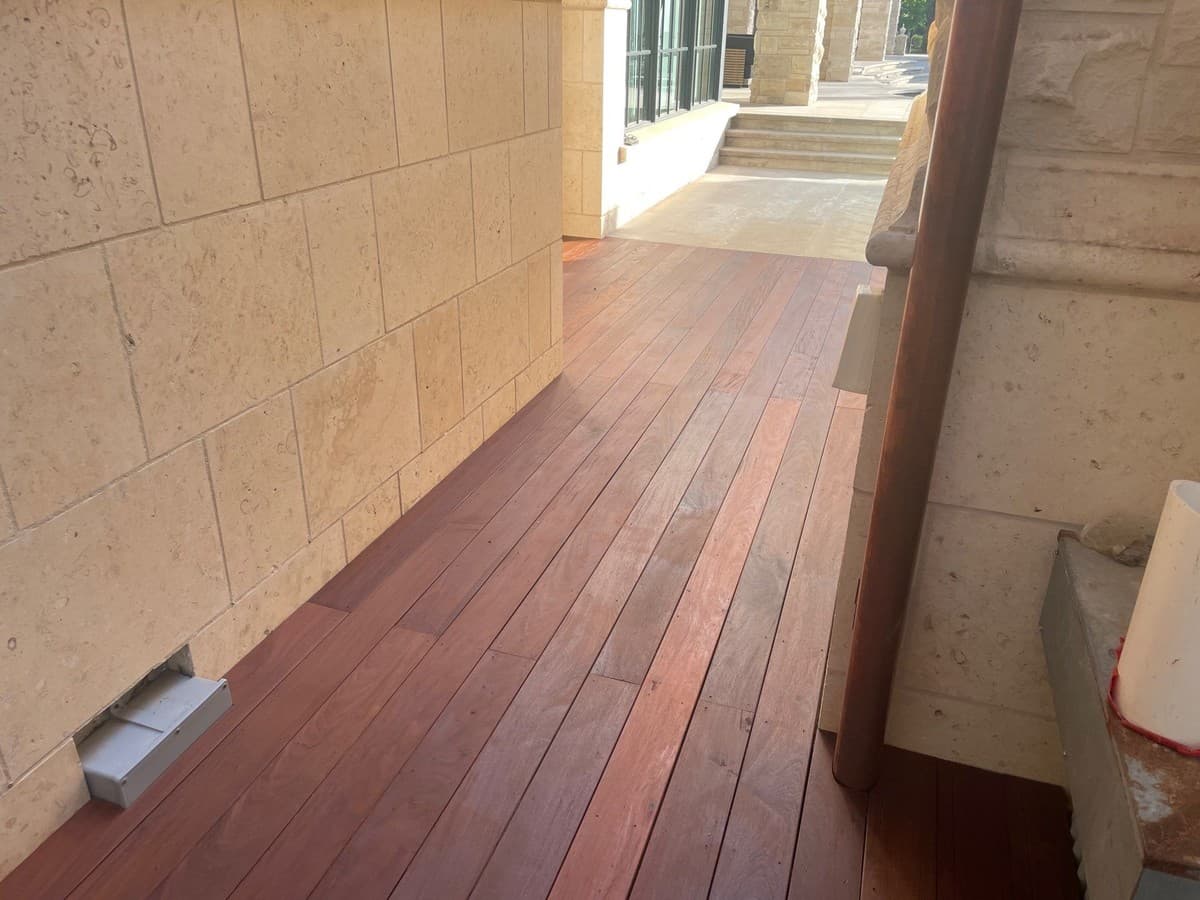
Profiles with photos get significantly more direction requests and website clicks than those without. The minimum is 10 photos. The target is 30 or more, added consistently over time.
- Take a minimum of 5 photos per completed job — wide shot, detail shot, before, during, after.
- Use natural light. Shoot during the golden hour after completion when possible.
- Include your crew and trucks occasionally — it builds trust and humanizes the business.
- Never use stock photos. Google can detect them and they don't build client confidence.
- Name your files before uploading: "paver-patio-austin-tx.jpg" performs better than "IMG_4823.jpg."
- Add a cover photo that shows your best completed project — this is your first impression.
"After we uploaded 40 project photos over two months, our profile views went up 3x and we started getting calls from neighborhoods we'd never worked in before."
Section 3: Reviews — Volume, Recency, and Responses
Reviews are the biggest ranking factor after proximity and relevance. You need:
- Volume: Target 4.8 stars with at least 25 reviews. In competitive markets, 50+ is better.
- Recency: New reviews matter more than old ones. Stale review profiles rank lower even if the total count is high.
- Responses: Reply to every review within 24 hours. Positive reviews: thank them specifically and mention the project type. Negative reviews: stay professional, acknowledge the concern, offer to resolve it offline.
- Keywords in reviews: When clients mention services by name ("They did our paver patio and retaining wall"), Google indexes those keywords. Brief, natural mentions in your response reinforce this.
Section 4: Posts and Updates
Google Business Posts are free and most landscape contractors don't use them. Posting weekly — even just a photo and two sentences — tells Google your business is active. Active businesses rank higher.
Post ideas that take less than 10 minutes each:
- Before-and-after of a job you finished this week
- A seasonal tip ("Spring is the best time to address drainage before summer rains")
- A project currently in progress — clients love seeing work happen in real time
- A short FAQ answer ("How long does a paver patio installation take?")
- A new service announcement or a promotion
Section 5: Q&A Section
Google lets anyone post questions to your profile — and anyone can answer them. If you don't manage this, you could have wrong answers sitting publicly on your listing.
Seed the Q&A section yourself by adding the most common questions you get and answering them. "Do you offer free estimates?" "What areas do you serve?" "What's the cost range for a retaining wall?" Pre-populating this builds trust and can capture prospects who are comparison shopping before they call anyone.
Close more of the leads your GBP sends you.
Ledge tracks every inbound lead, sends follow-up automatically, and helps you build proposals 3× faster so you can win more of the calls you're already getting.
FAQ
How long does it take to see results from GBP optimization?
Most contractors see noticeable improvement in profile views and call volume within 4 to 8 weeks of completing a full optimization, especially after adding photos and collecting several new reviews. Ranking in the Map Pack can take 2 to 4 months of consistent activity.
Do I need a physical address to rank locally?
No. Service-area businesses — which most landscape contractors are — can hide their address and still rank. Set your service area to the zip codes or cities where you want to show up. Proximity still matters, so you'll rank best in areas close to where you operate most often.
Should I respond to negative reviews?
Always. A professional, calm response to a negative review often impresses prospects more than a wall of five-star reviews. It shows you take accountability and handle problems like a real business. Never argue publicly or get defensive.
How many categories should I add?
Use your primary category for your core service (usually "Landscaper" or "Landscape Designer") and add 2 to 5 relevant secondary categories that reflect your actual services. Don't add categories for services you don't offer — it dilutes your relevance signal.
Can I get suspended from Google Business Profile?
Yes. Common reasons: keyword stuffing in the business name, a fake address, creating multiple listings for the same business, or soliciting reviews in bulk in a short time period. Follow Google's guidelines and you won't have a problem.
Edgar Galindo
Co-founder, Ledge
Edgar built Ledge while running a landscape construction company in Central Texas. He writes about lead generation, client retention, and building a landscape brand that commands premium pricing.