

Get Paid and Grow
Both ways. Three things. One connection.
QuickBooks Online sync in Ledge, landscape design-build software, runs both ways. Link each job to its QuickBooks customer, invoices go out, status comes back.
Talk to Edgar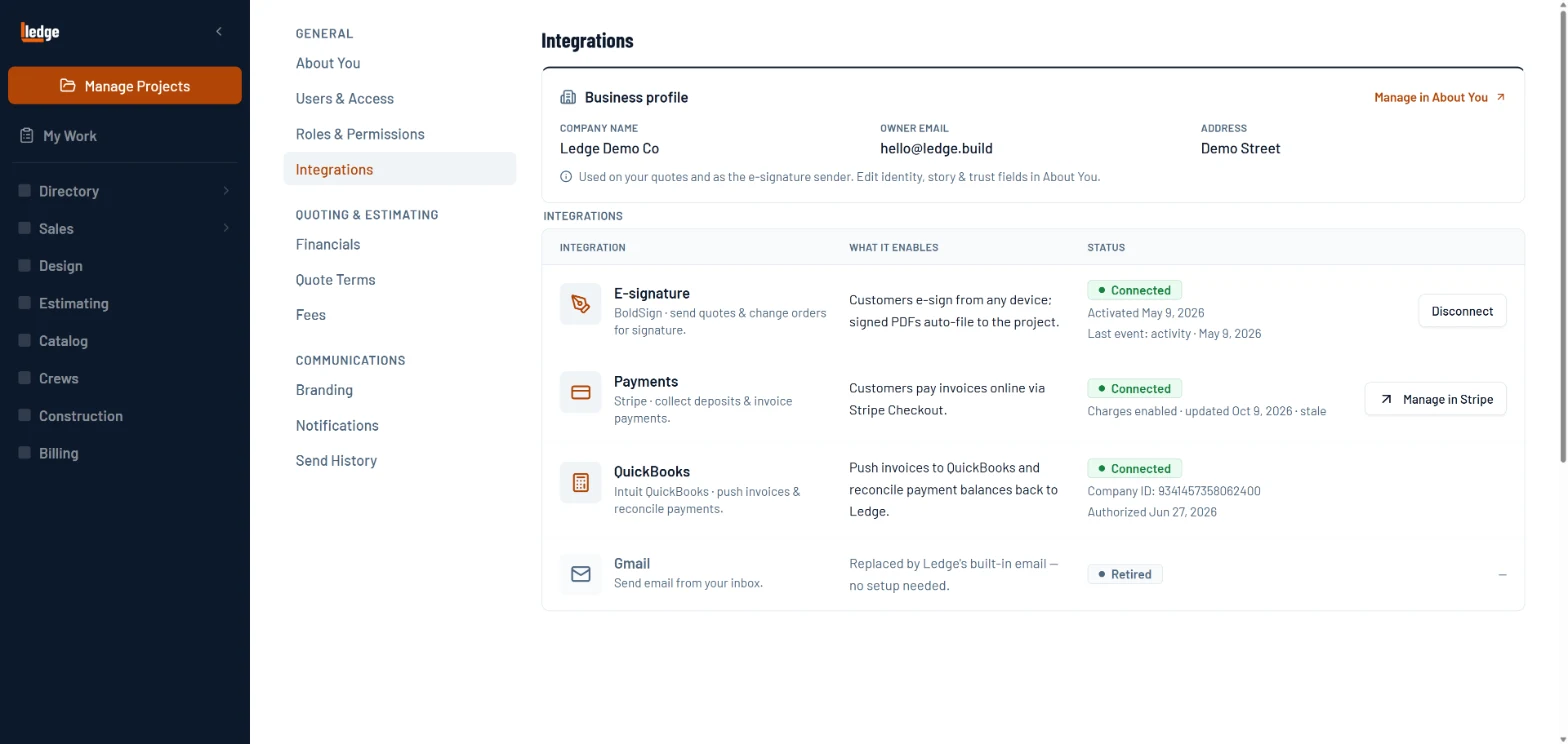
What it does
Enter it once. Both books agree.
Link each job once
Pick the QuickBooks customer and job it belongs to, or authorize a new one. No duplicate customers in your books, and invoices go to QuickBooks once it is linked.
One queue to review
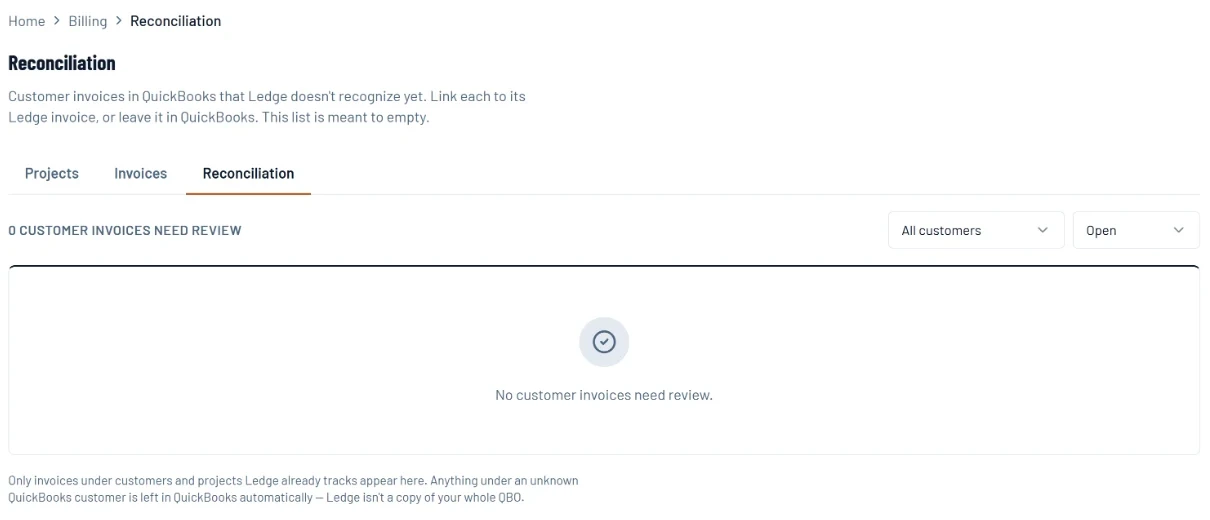
A customer invoice in QuickBooks that Ledge does not recognize lands in one review queue. Zero to review means the two books agree.
Invoice status sync twice daily
Invoice statuses refresh at 5 AM and 2 PM CST. Open Ledge and QuickBooks and they agree. No manual reconciliation at month end.
How it works
Connect once, then forget it is there.
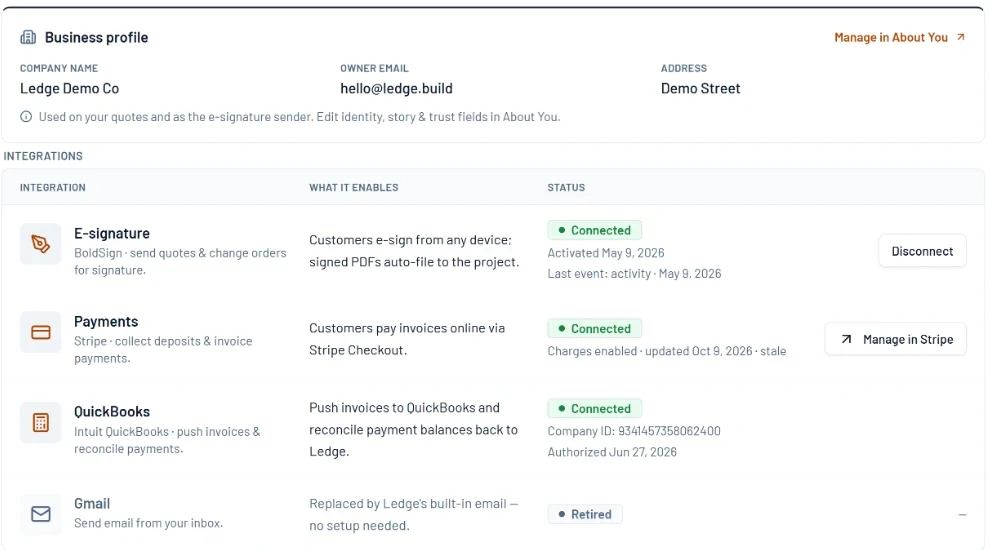
Connect once via OAuth
One-time authorization. Refresh tokens are handled automatically. No API keys, no developer, takes two minutes.
- 1QuickBooks sits next to e-signature and payments.
- 2Connected, to the company you authorized.
- 3Tokens refresh on their own.
Link the job to QuickBooks
On the project, connect the existing QuickBooks customer and job, or authorize a new one. Once it is linked, the job’s invoices go to QuickBooks.
Invoice status stays current
Invoices sync status twice daily. Open QuickBooks and Ledge and they always agree. Your books are current as you work.
- 1Anything QuickBooks has that Ledge does not lands here.
- 2Filter by customer when the list is long.
- 3Zero to review means the books agree.
Pricing sheets
The math behind it.
EP 20 · Pricing sheetDid We Make What We SaidClose the loop on every job without a timesheet, an app, or asking a crew to write down what hour they spent on what.EP 11 · Pricing sheetOverheadTwo companies, the same patio, the same money out the door. One books 26% gross margin, the other 37%. Which one is making more money? Neither.EP 21 · Pricing sheetThe YearEvery job this year made what it said. The year is short $67,000, because every rate was a guess about a count, and only the year can check the count.Questions
Asked by owners.
Do my accountant's bills come back into the project?
Not yet. Each job links to its QuickBooks Online customer, its invoices go out, and invoice status comes back. Bills and purchases your accountant enters stay in QuickBooks for now.
How is this different from the Jobber or Service Autopilot QuickBooks sync?
Jobber syncs customers, invoices and payments out. Service Autopilot advertises a two-way sync. Ledge links each job to its QuickBooks customer, sends the invoices out, brings invoice status back, and queues any QuickBooks invoice it does not recognize for review.
The deal